
Business Applications
Explore the capabilities ↓A website that
works for
your business.
Create a stronger presence. Capture useful information. Collect payments. Protect the work. Improve the experience. One connected application layer, built around your website.
Premium capabilities. Practical workflows. Managed implementation within your Elite scope.
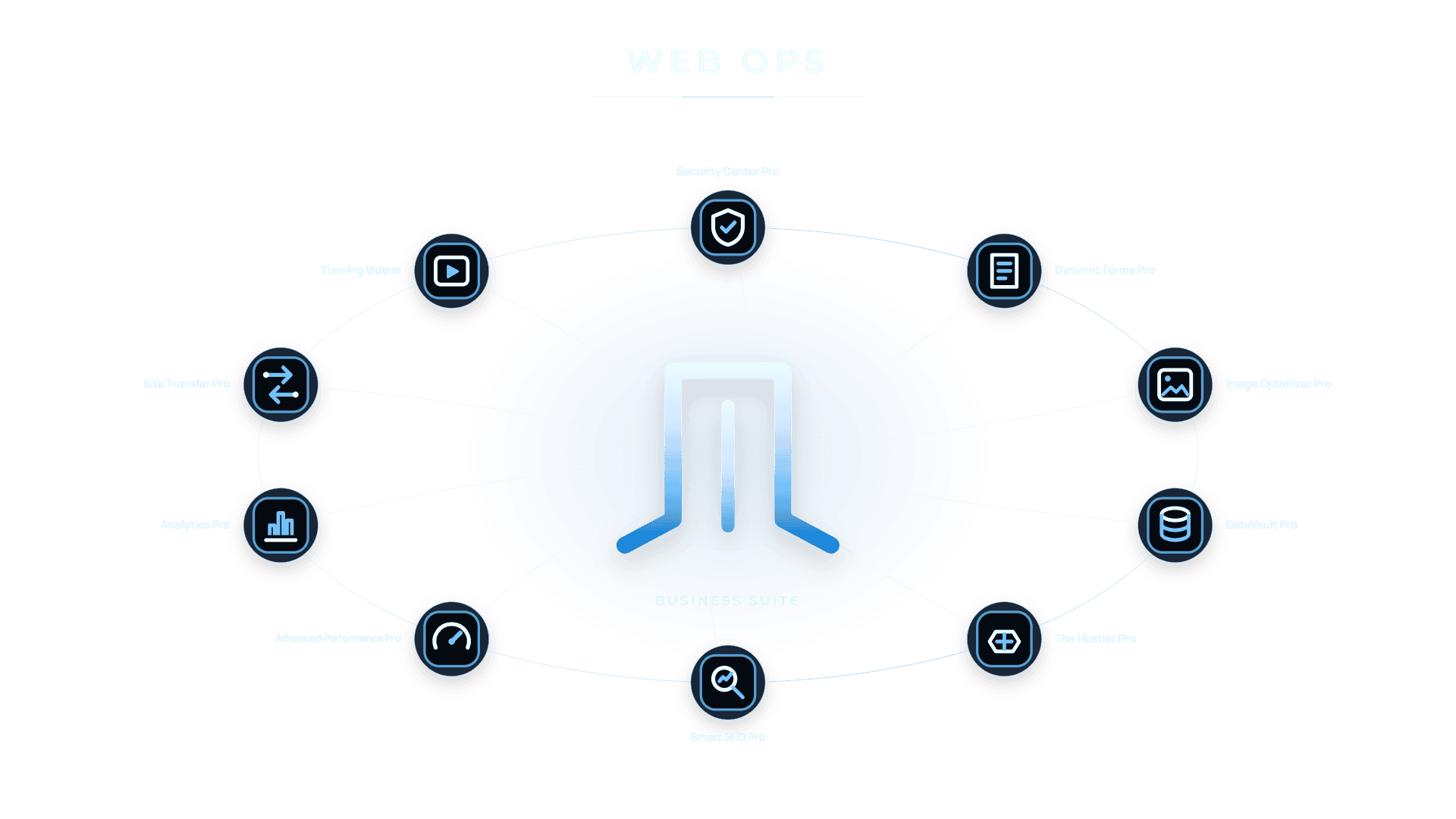
Connected capabilities
Create / Capture / Protect / Improve
Product illustration. Application availability follows your selected plan.
13 / 15 / 17
Applications across three suite levels
Useful tools, connected to real work.
Your business needs shape the configuration. Entitlement is the starting point.
01 / Create · Creation Studio Pro
Your brand.
Across the whole website.
Four complementary creation applications form the universal design layer. Give the website a consistent foundation and room to become more useful.
A considered visual foundation
Aa
Clear hierarchy.
A story people can follow. A next step they can find.
01 / Premium Black
02 / SiteHeros Blue
03 / Azure
Illustrative native design study. Your website is shaped around your own brand.
Design Controls Pro
The visual foundation across the site.
Shape site-wide typography, colors, layouts and navigation. Keep new pages aligned with the brand as the website grows.
A consistent customer experience across your website.
Visual Builder Pro
Richer creation in the WordPress block editor.
Build pages with advanced native visual controls. Arrange content, images and calls to action around the job a page needs to do.
Flexible pages for services, announcements and useful content.
Site Templates Pro
A strong starting point, adapted to you.
Start with premium complete-site, page and section designs. Refine the structure, imagery and content around your business.
Less blank-page work. More attention on your own message.
Design Elements Pro
More expressive ways to explain your offer.
Use premium widgets, components and visual elements to present services, organize information and create thoughtful interactions.
Clearer storytelling and polished presentation.
Creation Studio Pro is included in all current application levels. Design work and ongoing updates follow your agreed service scope.
02 / Capture · Collect · Document
From an enquiry
to an organized next step.
Collect the information you need, keep questions relevant and connect the follow-through. Four applications work together around your forms.
Business Essential & above
Dynamic Forms Pro
Ask better questions.
Get a more useful answer.
Contact forms, quote requests, registration, surveys, quizzes and polls. Add conditional logic, calculations, payment fields, save-and-resume and e-signature fields where the workflow calls for them.
Conditional questions
Useful calculations
Connected payments
E-signature fields
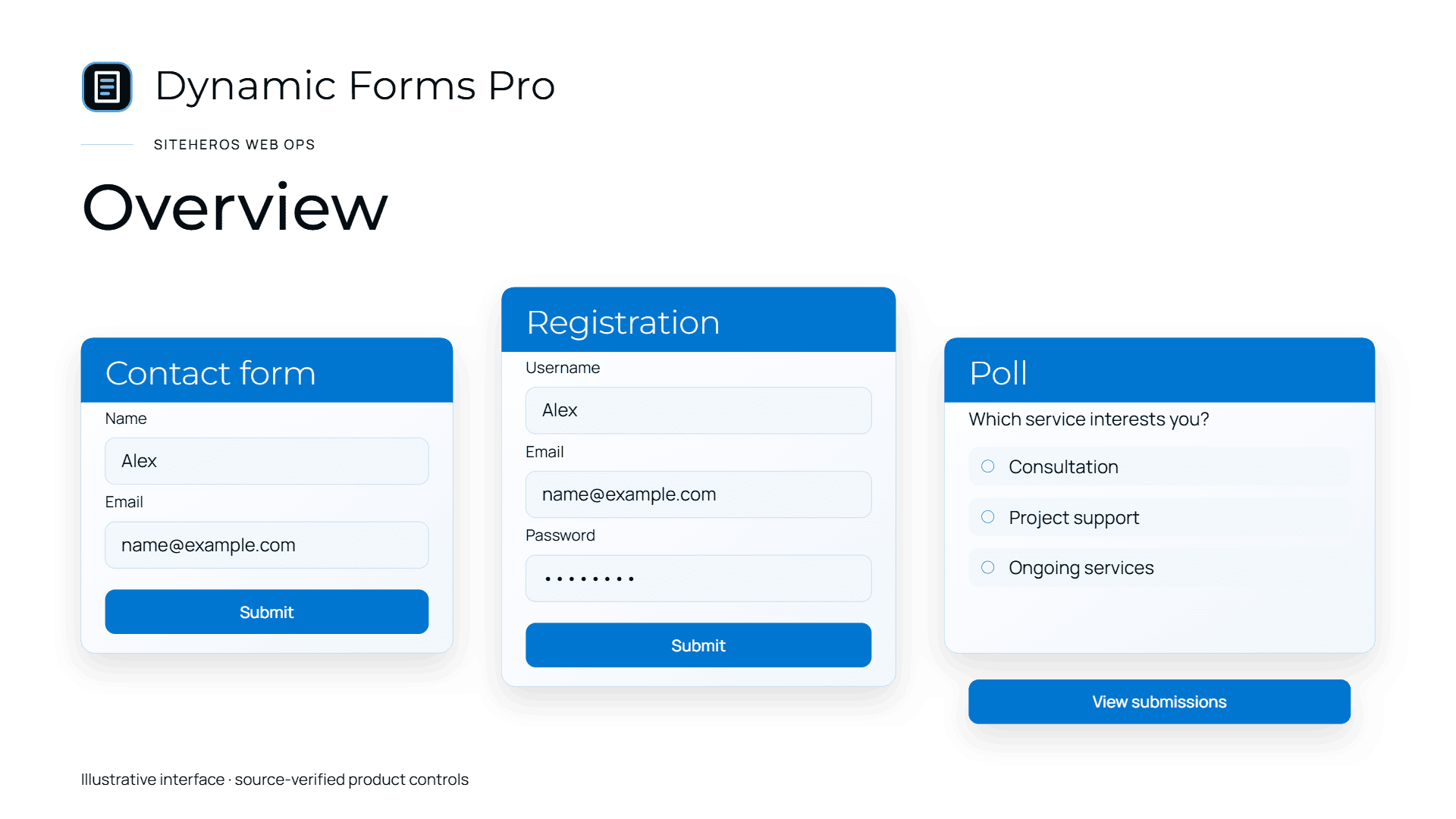
Product illustration. These are examples, not live forms or submitted customer information.
01 / Form companion
PDF Generator Pro
Turn submitted form details into a formatted PDF document.
Intake records, customer copies and structured summaries.
02 / Form companion
Geolocation Pro
Capture location context, use maps and help people enter address details.
Service-area enquiries and location-aware requests.
03 / Form companion
Stripe Subscriptions Pro
Create recurring payment and subscription workflows through connected Stripe forms.
Ongoing services, recurring contributions and subscriptions.
One possible workflow
A service request.
With less back-and-forth.
Illustrative workflow. We plan and configure the steps your business actually needs.
01
Ask
Relevant questions and conditional fields.
02
Locate
Address details and service-area context.
03
Calculate
Structured quantities or selected options.
04
Document
A formatted summary from submitted details.
Payment-provider setup, merchant eligibility and applicable fees remain separate. Workflows, integrations and document formats need configuration for your business.
03 / Protect · Recover · Move
The work matters.
Protect what you’ve built.
Website security, recoverable data and carefully planned moves belong in the same conversation. These applications support that foundation.

Security Center Pro
Protection is a practice.
Recovery is a plan.
Security Center Pro illustration. Protection tools for ongoing website care.
01 / Defend
Security Center Pro
A stronger defensive layer.
Security scanning, login protection and website-hardening tools help you see issues and apply appropriate controls. Bring security information into ongoing website care.
Business Essential & above
02 / Recover
DataVault Pro
Keep a way back.
Schedule incremental backups, create on-demand backups and use restore workflows when changes or unexpected problems call for recovery. Supported external destinations add flexibility.
Business Essential & above
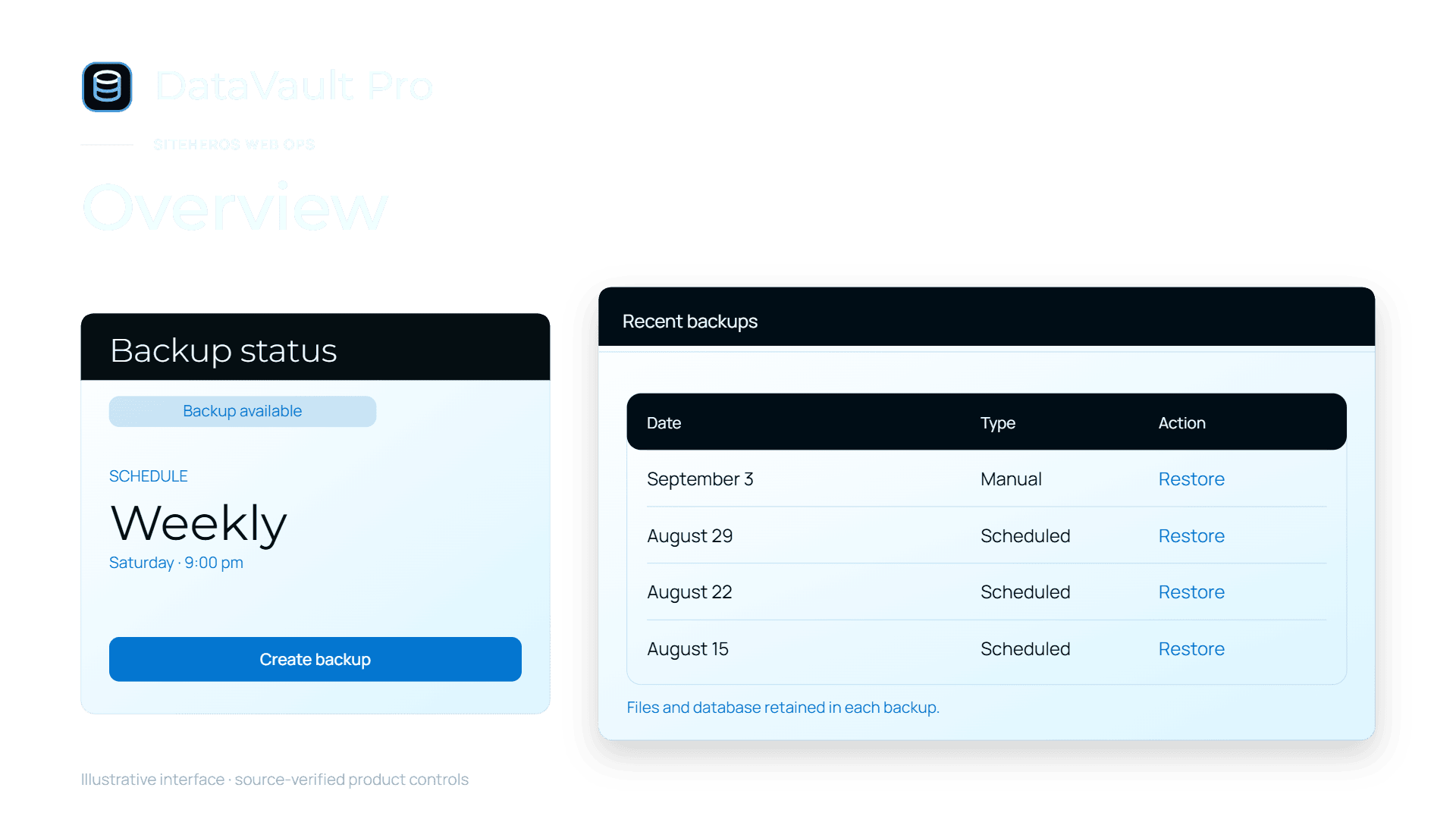
Product illustration. Sample schedules and records are not your service entitlement.
03 / Move
Site Transfer Pro
Plan the next destination.
Duplicate, package or migrate supported WordPress sites through API or downloadable-package workflows. A defined transfer process keeps files and data together.
Business Premium
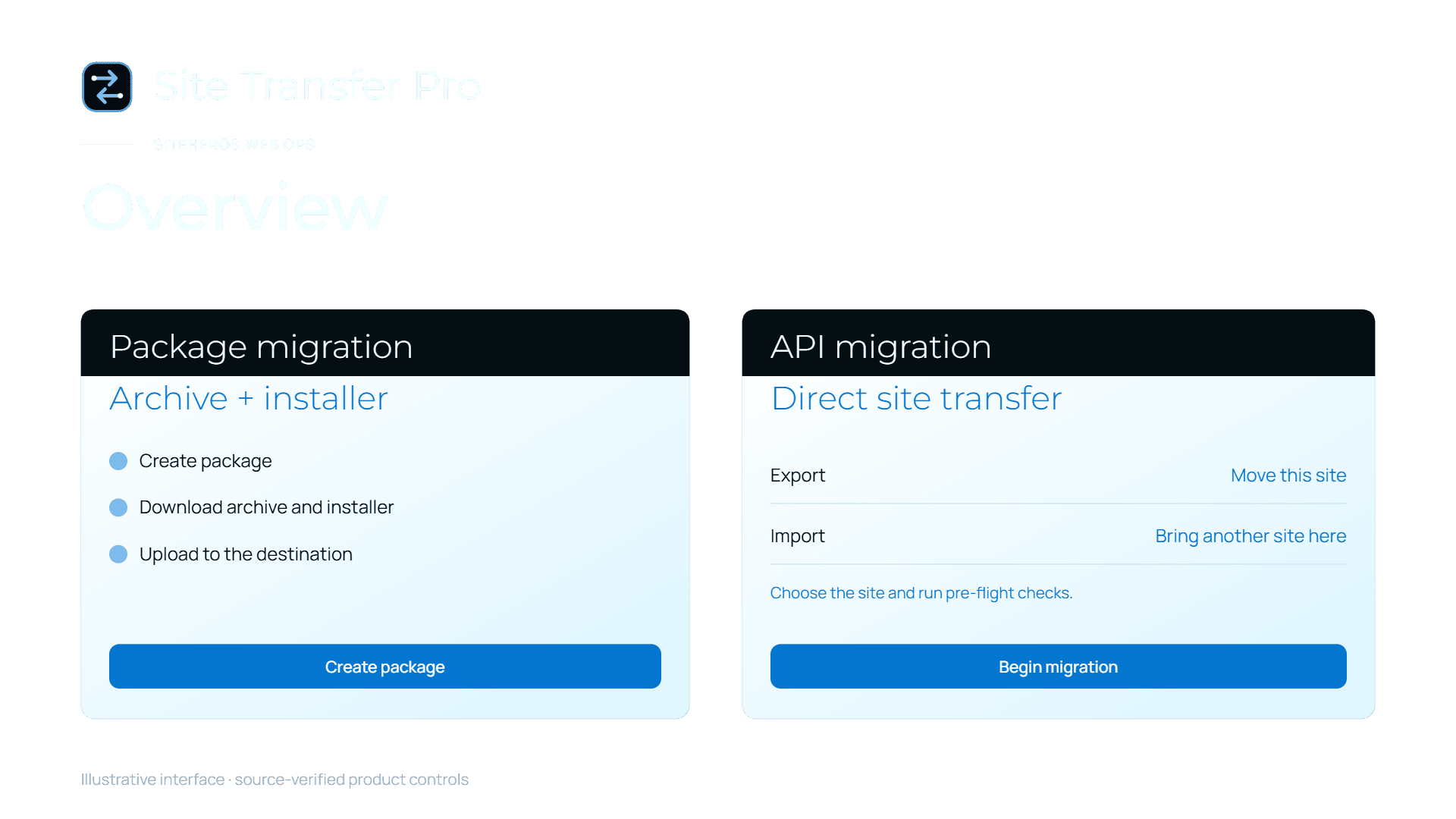
Product illustration. Sample schedules and records are not your service entitlement.
Backup storage, schedules and retention follow your plan and configuration. Transfer support depends on the source and destination. Application access does not include unlimited remediation or migration work.
04 / Optimize · Understand · Refine
A better experience.
A more informed next move.
Visibility, page experience and useful insight work together. Improve the foundations, then learn from how people use the website.
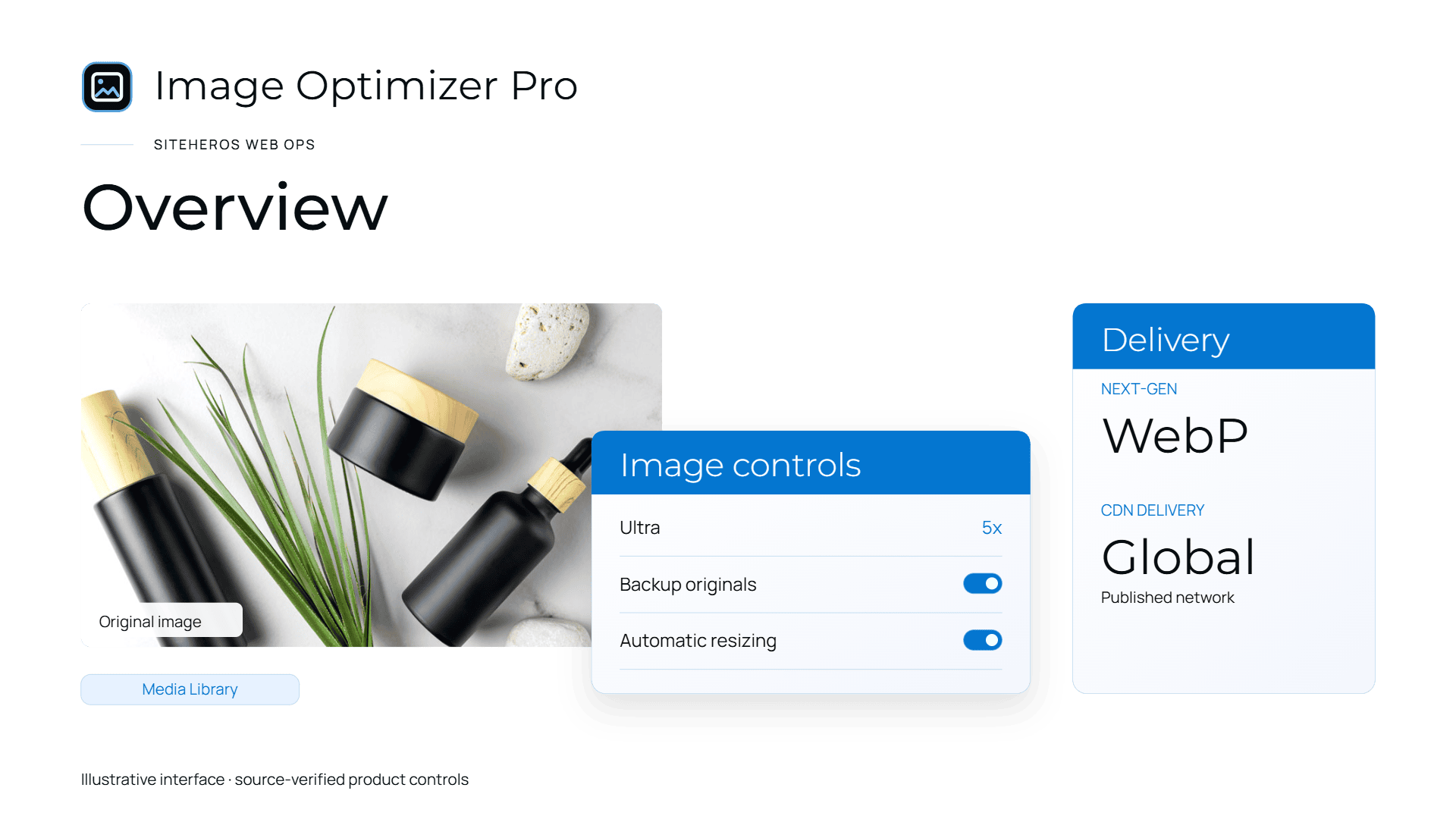
Product illustration, with sample settings and data.
Business Essential & above
Image Optimizer Pro
Keep the image.
Lose unnecessary weight.
Compress images, use lazy loading and configure modern formats, sizing and delivery. Make image-rich pages more considerate of visitors and mobile connections.
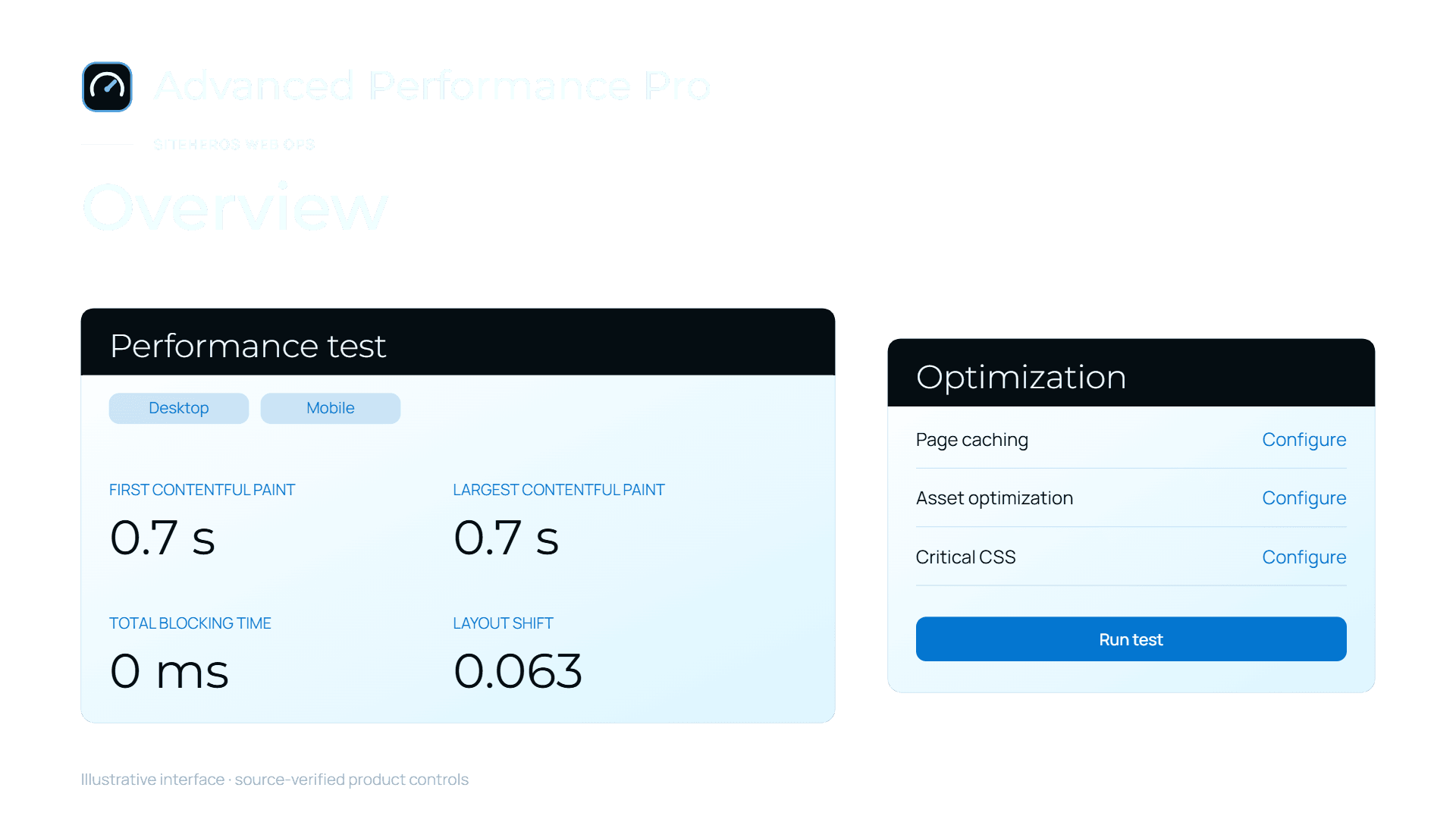
Product illustration, with sample settings and data.
Business Pro & Premium
Advanced Performance Pro
Find the friction.
Improve the visit.
Use performance tests, caching, compression and asset optimization to guide practical changes. The website, workload and configuration determine the result.

Product illustration, with sample settings and data.
Business Pro & Premium
Smart SEO Pro
Give content
a clearer introduction.
Manage titles and metadata, sitemaps and structured data. Review SEO health and make pages easier for search engines to understand.
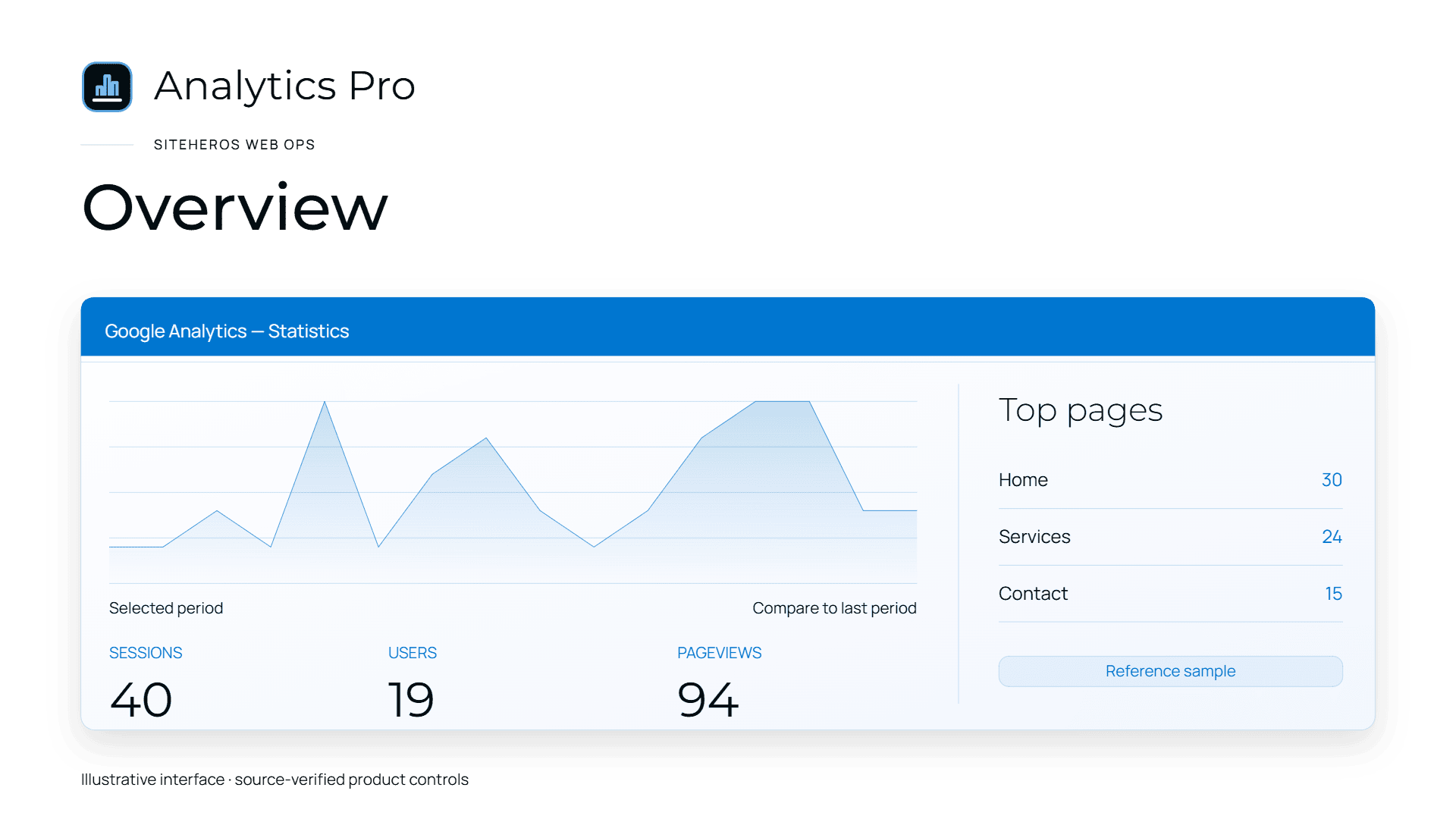
Product illustration, with sample settings and data.
Business Premium
Analytics Pro
See what earns
attention.
Bring connected Google Analytics reporting into WordPress. Review audience activity, popular content and traffic sources to guide the next improvement.
Put your plan’s SEO and performance tools to work with a setup shaped around your website. Analytics Pro brings insight from your connected Google Analytics property.
05 / Engage · The Hustler Pro
Give people
a reason to return.
A thoughtful invitation can turn a first visit into an ongoing conversation. Put the right offer in the right place.
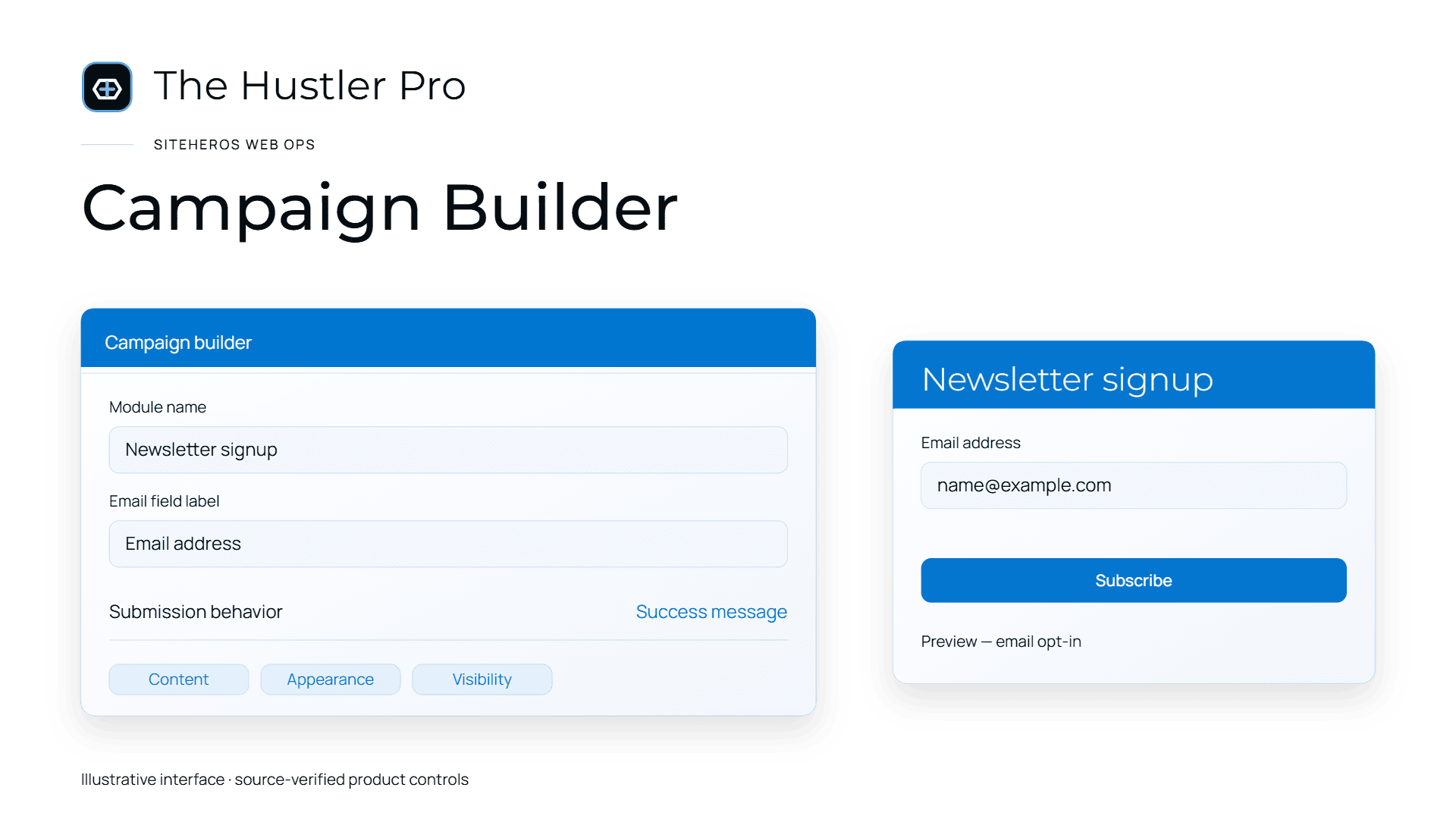
Product illustration. The signup shown is not live on this page.
Business Essential & above
The Hustler Pro
Popups, slide-ins, embedded offers and opt-ins, with supported integrations and display controls.
Invite a return visit.
A useful reason to stay connected.
Offer a newsletter signup, helpful download or follow-up invitation. Place the opt-in where it belongs in the visitor journey.
Make an offer relevant.
The right invitation in the right context.
Use targeting, display conditions and triggers to shape when popups, slide-ins or embedded offers appear.
Connect the next conversation.
Supported email-marketing integrations.
Connect a supported email-marketing service to the opt-in workflow. Plan the content and follow-through around your business, with consent in mind.
Application capability supports your marketing workflow. Campaign planning, content, integrations and ongoing marketing labor follow your agreed scope.
06 / Application levels
Start complete.
Add the right depth.
Three current suite levels, with Creation Studio Pro in every one. Your selected plan defines the application entitlement.
Creation Studio Pro plus capture, documents, recurring payments, protection, images, recovery, engagement and learning.
Design Controls Pro
Visual Builder Pro
Site Templates Pro
Design Elements Pro
Security Center Pro
Dynamic Forms Pro
PDF Generator Pro
Geolocation Pro
Stripe Subscriptions Pro
Image Optimizer Pro
DataVault Pro
The Hustler Pro
Training Videos
All 13 Business Essential applications, with two additional optimization applications.
Smart SEO Pro
Advanced Performance Pro
All 15 Business Pro applications, with connected reporting and supported transfer workflows.
Analytics Pro
Site Transfer Pro
Included across all three levels
Training Videos
Make everyday tasks more familiar.
Guided website tutorials give team members a practical reference for publishing and common website tasks. Learn the work you’re responsible for, with a clearer place to start.
Education complements managed service. Hub permissions, website roles and application access remain separate.
Turn your plan’s applications into practical website workflows. SiteHeros shapes the setup around your business within your agreed Elite scope.
Capabilities are the beginning
The tools.
The right implementation.
A useful application becomes a useful business workflow when the design, setup and ongoing website work fit together.
Elite Management brings Hosting+, Development & Design, Care & Maintenance and Website Management into one managed relationship. We work within your selected scope to connect the right capabilities to your business.
01 / Plan
Choose the useful work.
The business goal comes before the feature list.
02 / Implement
Connect the right steps.
Design, configuration and supported integrations work together.
03 / Evolve
Keep the website moving.
Ongoing requests and improvements follow your agreed scope.
Start with what your business needs. Build the right capabilities around it.