
Home / Business Applications / Forms & Lead Capture / PDF Generator Pro
Business Applications · Forms & Lead Capture
PDF Generator Pro
Turn completed forms into useful documents.
PDF Generator Pro is the Forminator PDF Generator companion for Dynamic Forms Pro. Transform submitted information into a document your team can review, download or send through a configured form notification.
Compare SiteHeros PlansCompleted enquiry
Example only: a requested service and a short description. No personal data is entered or stored.
↓ Format selected fields
ILLUSTRATIVE DOCUMENT
Enquiry summary
Requested service
Visitor-approved details
Submitted description
Select only the fields each recipient needs.
Illustrative sequence. Scroll or swipe → All stages are also reachable with the links.
Capture
Start from stored submissions in the configured form.
Format
Map selected fields into the appropriate document layout.
Review
Preview long answers, empty fields and conditional content.
Deliver
Use the configured download or notification route.
A practical guide to PDF Generator Pro
Included from Business Essential in the SiteHeros application catalog. Catalog access and the applications assigned to an Elite package are separate; your agreed package determines activation and configuration.
01 · Design a document around the information
02 · Create different outputs from one submission
03 · Preview, edit and publish deliberately
04 · Deliver documents with the right notification
01 / FEATURE GUIDE
Design a document around the information
Template-based design lets a PDF present form answers in a purposeful layout. Choose a useful structure for the reader: a concise enquiry summary, a record of selected preferences or another appropriate submission record. Clear headings and carefully chosen fields make the document easier to work with than a raw list of answers.
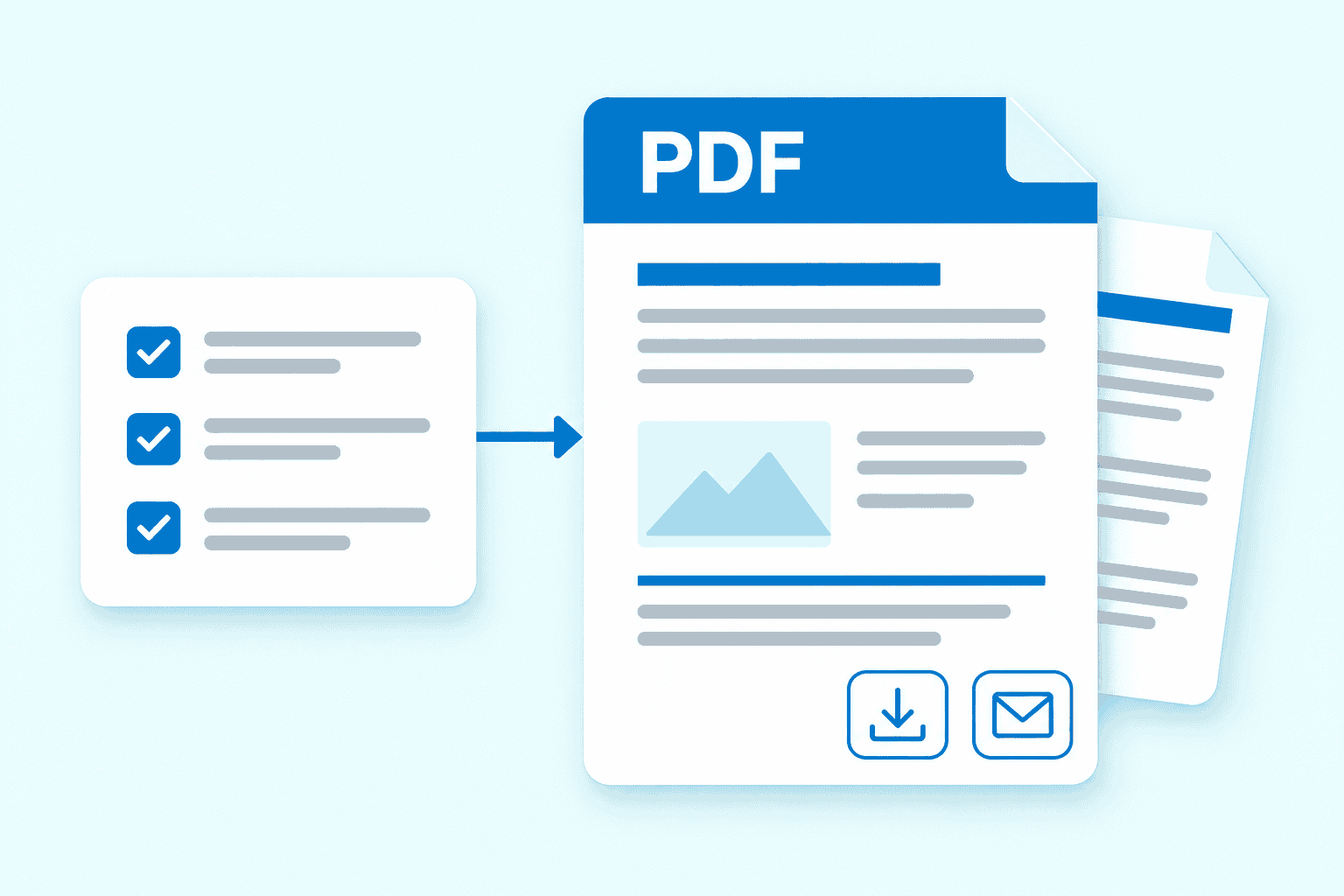
Conceptual illustration: form responses become a PDF for download or configured email delivery.
One submission. Different audiences.
Visitor summary
Include the useful confirmation details the visitor should receive.
Internal record
Include only the additional information authorized for the receiving team.
Native layout illustration, not a generated PDF, invoice or legally validated document.
02 / FEATURE GUIDE
Create different outputs from one submission
A single form can produce several PDF outputs. That makes it possible to prepare different document formats for distinct purposes, such as a visitor-facing summary and an internal record. Decide which details belong in each output and who should receive them. Multiple documents should simplify the handoff rather than create unnecessary copies of personal information.
03 / FEATURE GUIDE
Preview, edit and publish deliberately
Preview controls help check a template before it is used. Review long answers, missing optional values and the way labels and content fit on the page. Edit the layout and publish when it supports the intended workflow. Testing real edge cases is especially useful for forms with conditional fields or variable amounts of information.
04 / FEATURE GUIDE
Deliver documents with the right notification
Generated PDFs can attach to configured form notifications, with conditional email delivery where appropriate. A submission’s PDFs can also be downloaded. This supports both automatic handoffs and deliberate review before sharing. Confirm recipients, delivery conditions and the website’s email behavior so a document reaches the intended person.
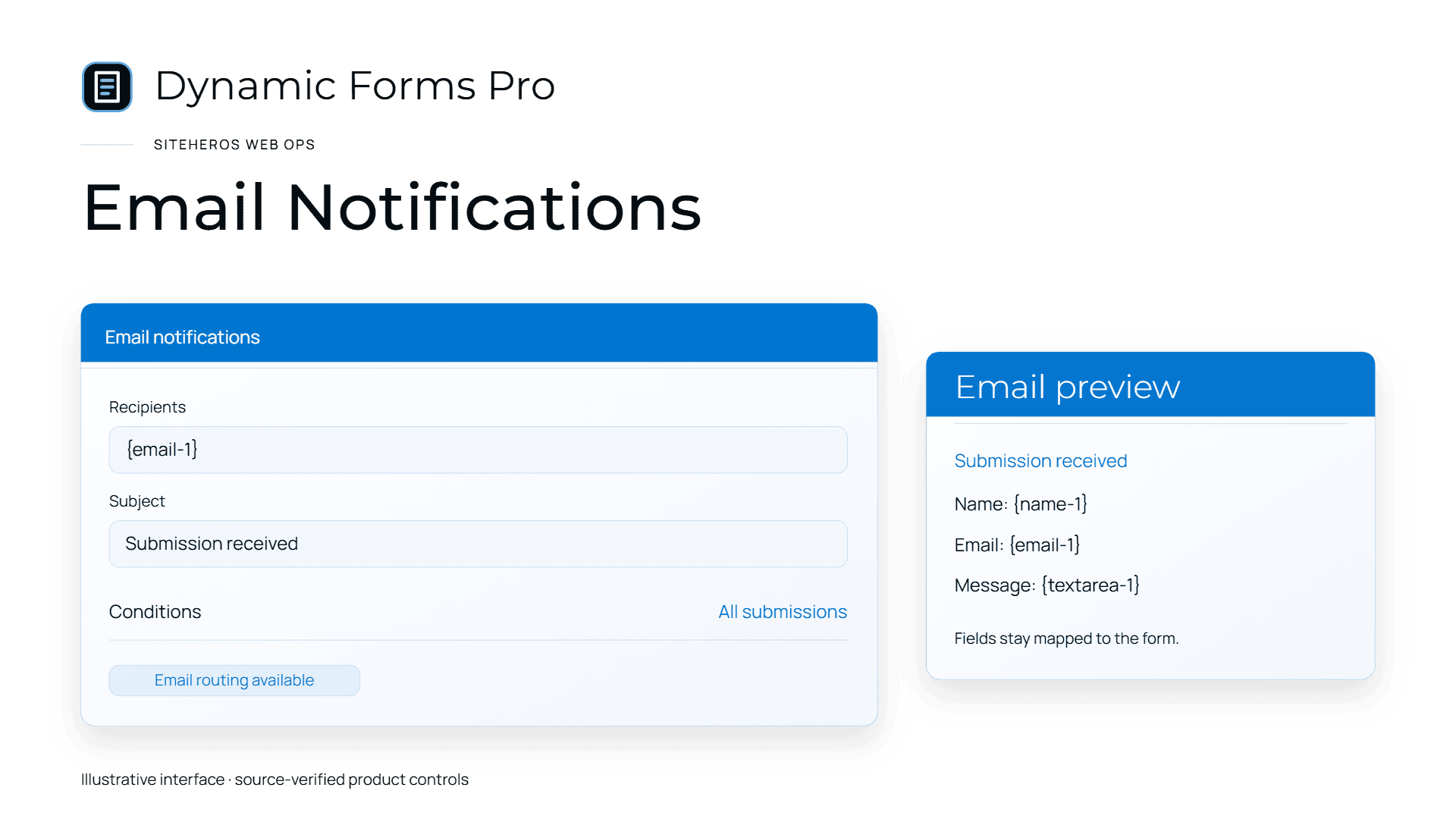
Dynamic Forms family illustration: Email Notifications.
05 / FEATURE GUIDE
Prepare the form and storage first
PDF generation requires active Forminator Pro, the appropriate connected dashboard setup, stored submissions and a compatible runtime with mbstring. Submission retention and document access deserve the same care as the original form data. The Dynamic Forms Pro walkthrough covers the capture and notification steps that come before document generation.
06 / FEATURE GUIDE
Common questions
Is this a standalone PDF editor? It is a document-generation companion for form submissions. Can a PDF serve as an invoice or contract? Its contents and workflow must meet the requirements for that use; generation alone does not establish legal or accounting compliance. Does it archive documents indefinitely? Retention and storage need to be defined for the actual setup. Explore the related applications in Forms & Lead Capture to plan the whole journey.
ACCESS AND CONFIGURATION
Included from Business Essential in the SiteHeros application catalog. Catalog access and the applications assigned to an Elite package are separate; your agreed package determines activation and configuration.