
Home / Business Applications / Forms & Lead Capture / Geolocation Pro
Business Applications · Forms & Lead Capture
Geolocation Pro
Make location-aware enquiries easier to complete.
Geolocation Pro is the Forminator Geolocation companion for Dynamic Forms Pro. Add permission-based location assistance, address completion and a map view to forms where knowing the requested location genuinely helps.
Compare SiteHeros PlansService address
Example address placeholder
Enter → review suggestions → correct the selected address
Map context
A chosen address and a device position can mean different places. Confirm the requested service location.
Static address illustration. No location permission, lookup or data transmission occurs.
A practical guide to Geolocation Pro
Included from Business Essential in the SiteHeros application catalog. Catalog access and the applications assigned to an Elite package are separate; your agreed package determines activation and configuration.
01 · Help visitors provide a useful address
02 · Request location with a clear purpose
03 · Provide map context where it helps
04 · Keep address behavior consistent
Keep the visitor in control.
01 / Enter
Start with the address where the service is needed.
02 / Locate, if useful
Explain the purpose and use permitted device location only when appropriate.
03 / Correct
Let the visitor review and edit the result.
01 / FEATURE GUIDE
Help visitors provide a useful address
Address completion can reduce the effort of entering a location and encourage more consistent address details. It suits an enquiry where the service location matters, such as a request for work at a property. The visitor should still review the address and correct it when needed; suggested information can be incomplete or different from the actual service location.
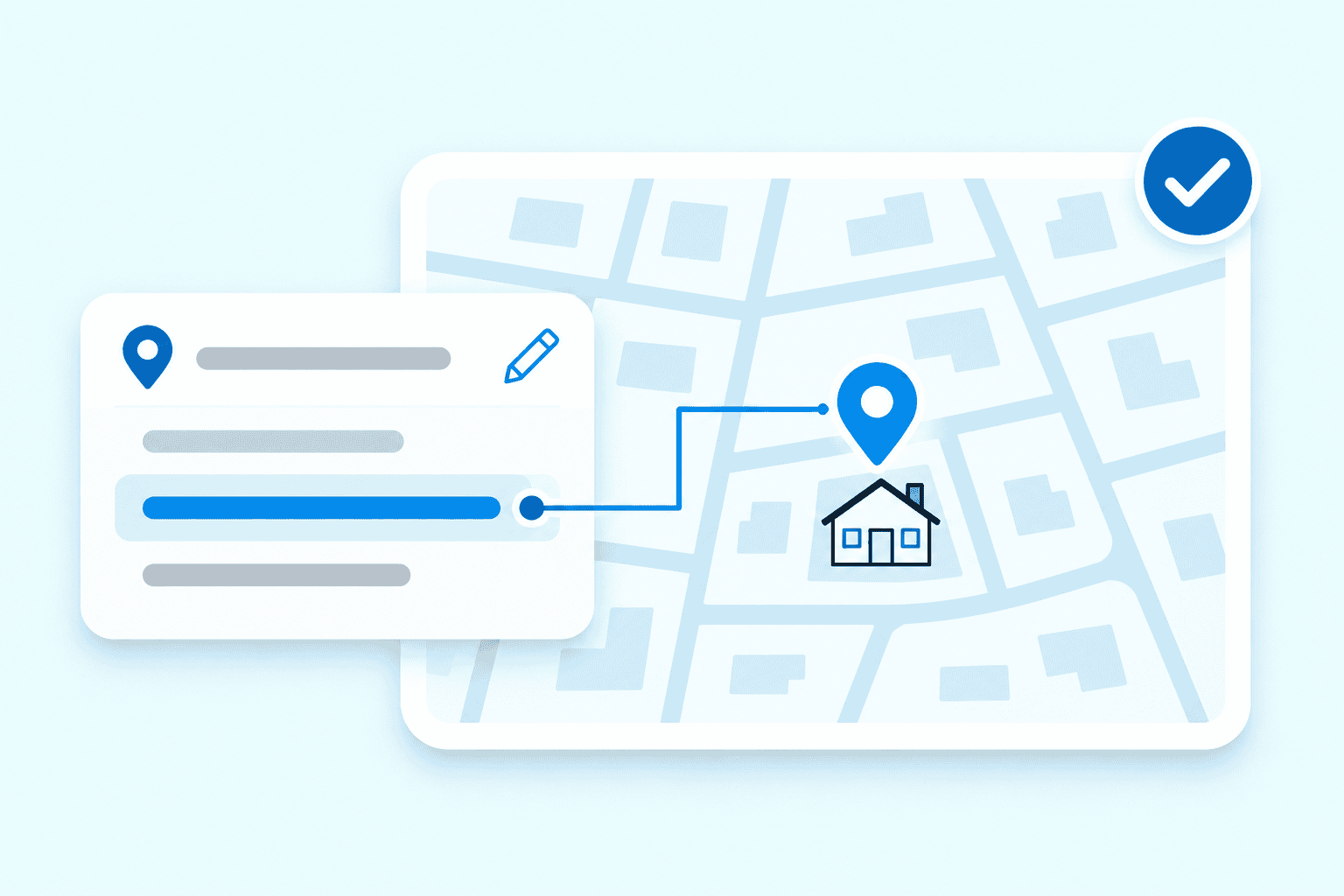
Conceptual illustration: editable address details with map context.
02 / FEATURE GUIDE
Request location with a clear purpose
Location capture uses the visitor’s permission. Explain why the form needs it and decide how the form should behave when permission is declined or location cannot be obtained. Device-derived location can be approximate. It describes a point relevant to that interaction and does not provide continuous tracking or establish where someone is entitled to receive a service.
A complete route without location permission.
Permission granted
If configured and permitted, use the device position as a starting point, then check the address.
Declined or unavailable
Keep manual entry and address correction available. The enquiry should remain understandable without location access.
03 / FEATURE GUIDE
Provide map context where it helps
A map view gives a visual reference for the location involved in a submission. Pair it with clear address fields and instructions, especially when the device’s current position may differ from the requested destination. A map supports understanding; service boundaries and eligibility still need separately defined business rules.
04 / FEATURE GUIDE
Keep address behavior consistent
The add-on can apply optional default behavior across address fields. Location requirements and error messages are configurable, allowing the form to explain what the visitor needs to do next. Use required location only when it is appropriate to the task. Test declined permission, unavailable location and incomplete address entry alongside the successful path.
05 / FEATURE GUIDE
Connect the underlying map service
Google Maps APIs and billing are required, together with the appropriate form configuration, active Forminator Pro and connected dashboard setup. Third-party service use may introduce data and cookie obligations. API access, billing and the visitor’s permission should be considered before publishing the form. These dependencies are separate from the application’s place in the SiteHeros catalog.
06 / FEATURE GUIDE
Common questions
Can it verify that an address falls inside my service area? Location assistance does not automatically establish eligibility; that decision needs its own rules. Will every visitor share an exact position? Permission, device conditions and service availability affect the result. Can it fit a wider enquiry workflow? Yes: use Dynamic Forms Pro for the questions and follow-up, and explore Forms & Lead Capture for related applications.
ACCESS AND CONFIGURATION
Included from Business Essential in the SiteHeros application catalog. Catalog access and the applications assigned to an Elite package are separate; your agreed package determines activation and configuration.