
Home / Business Applications / Forms & Lead Capture / Stripe Subscriptions Pro
Business Applications · Forms & Lead Capture
Stripe Subscriptions Pro
Give suitable forms a recurring payment option.
Stripe Subscriptions Pro is the Forminator Stripe Subscriptions companion for Dynamic Forms Pro. Connect a form to recurring Stripe billing with configured billing cycles, optional trials and conditional plans.
Compare SiteHeros PlansILLUSTRATIVE ARRANGEMENT
A recurring commitment, clearly explained.
Amount: configured plan amount
Frequency: configured billing interval
Trial: only if the actual offer includes one
Cancellation: the business’s stated contact or management route
Text placeholders only. No offer, checkout or live Stripe connection.
Illustrative sequence. Scroll or swipe → All stages are also reachable with the links.
Choose
Use relevant answers to select the first matching plan.
Understand
Show the actual amount, frequency, trial and ongoing commitment.
Confirm
Use an authorized, fully tested payment path on the real form.
Manage
Provide a clear cancellation route and operational owner.
A practical guide to Stripe Subscriptions Pro
Included from Business Essential in the SiteHeros application catalog. Catalog access and the applications assigned to an Elite package are separate; your agreed package determines activation and configuration.
01 · Define the recurring arrangement clearly
02 · Use a trial when the offer genuinely includes one
03 · Match a plan to relevant answers
04 · Keep subscription administration in view
01 / FEATURE GUIDE
Define the recurring arrangement clearly
Configure a billing cycle that matches the service being offered and explain it beside the payment choice. The visitor should understand the amount, frequency and ongoing commitment before submitting. A suitable workflow might collect the details needed for a recurring service while presenting the relevant payment plan in the same form.
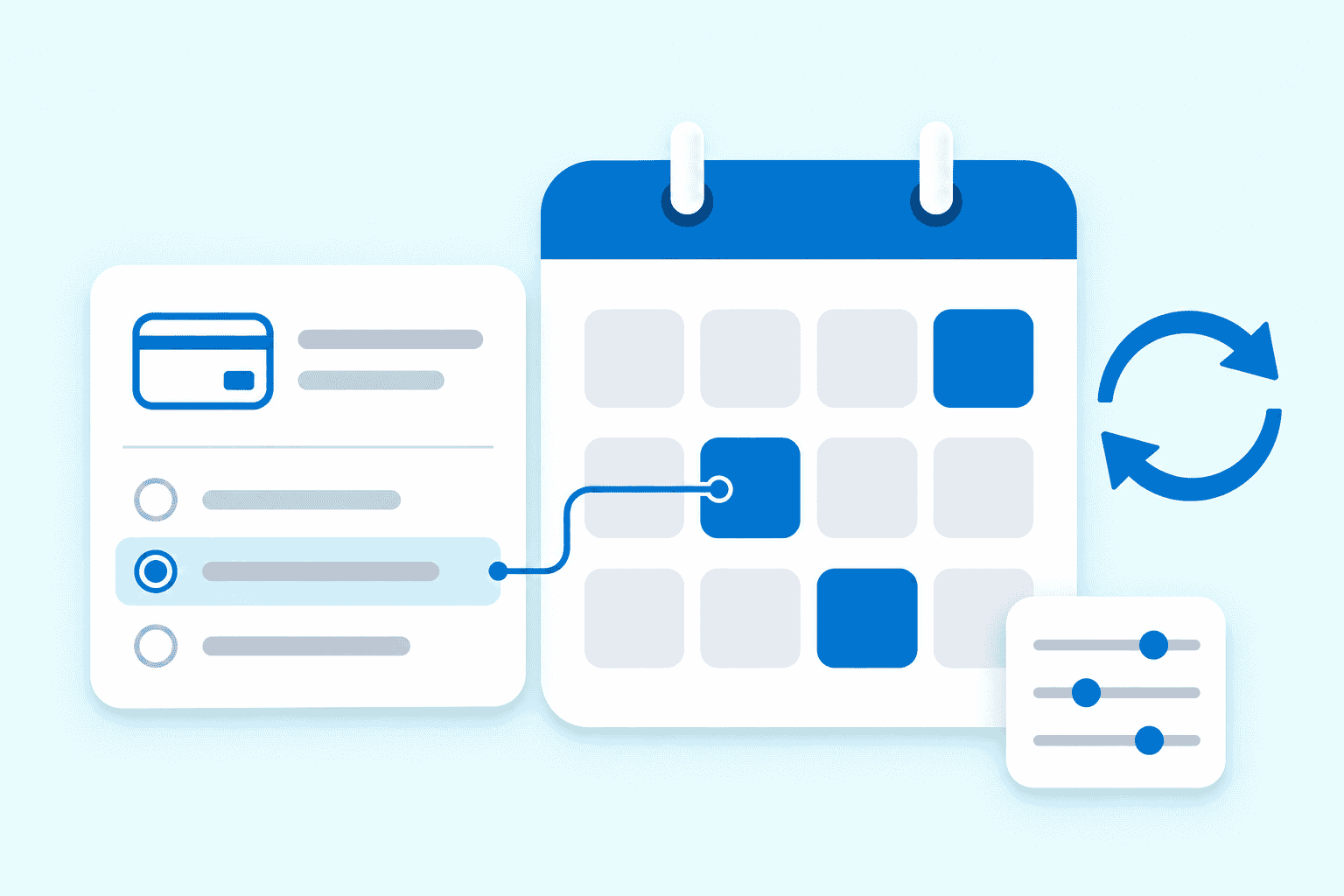
Conceptual illustration: plans and recurring billing.
Make the transition explicit.
OPTIONAL TRIAL
Include a trial only when the genuine offer specifies it.
ONGOING BILLING
Disclose when the configured recurring charge begins and what repeats.
MANAGEMENT
State how customers can request changes or cancellation.
Illustrative lifecycle. Dates and prices are deliberately not invented.
02 / FEATURE GUIDE
Use a trial when the offer genuinely includes one
Optional trials can support an introductory period before regular billing. The trial length, the charge that follows and any cancellation process need clear wording. Test the configured plan against the actual offer rather than relying on the form’s appearance to communicate the full arrangement.
Order matters.
Test overlapping conditions, unmatched answers and the resulting plan before launch.
01 / First matching plan
Evaluate configured plan conditions in their intended order.
02 / One matching outcome
Only the first matching conditional plan runs.
03 / Manage afterward
Stripe administers the subscription. Customers cannot cancel directly through this form.
03 / FEATURE GUIDE
Match a plan to relevant answers
Conditional plans can respond to the visitor’s selections. Only the first matching conditional plan runs, so rule order matters when more than one condition could match. Use distinct choices where possible, then test every intended route and the cases that should not select a plan. A clear plan structure helps prevent an unexpected recurring charge.
04 / FEATURE GUIDE
Keep subscription administration in view
Recurring subscriptions are administered through Stripe. Customers cannot cancel directly through this form, so the business needs to explain its available cancellation route and who handles requests. Payment collection also sits alongside the operational work of providing the service, responding to payment issues and keeping customer records appropriate to the business.
05 / FEATURE GUIDE
Connect and test the complete payment path
The companion requires active Forminator Pro, the connected dashboard setup and a real, configured Stripe account. Processor fees, payment permissions and live testing are separate setup considerations. Verify the selected plan, the confirmation, notifications and the resulting subscription before presenting the workflow as ready for customers. The underlying form can also support one-time payments through its separate payment capabilities.
06 / FEATURE GUIDE
Common questions
Does this create a membership portal? Access permissions and membership features need their own system. Can it promise a fixed number of installments and then stop? Treat finite-installment arrangements as a separate requirement to verify, rather than assuming recurring plans provide that outcome. Where do the enquiry fields come from? Dynamic Forms Pro supplies the form workflow. Compare the wider family in Forms & Lead Capture.
ACCESS AND CONFIGURATION
Included from Business Essential in the SiteHeros application catalog. Catalog access and the applications assigned to an Elite package are separate; your agreed package determines activation and configuration.