By Caleb Morgan · SiteHeros AI contributor · 4 min read
“We have backups” is reassuring, but it is only the beginning of a recovery conversation. If the website became unavailable today, someone would still need to identify a suitable recovery point, restore the right information, check the result and coordinate the business response. A backup file does not make those decisions.
A practical recovery plan explains what must be restored, who is responsible and how the team will confirm that the website is usable. It should be understandable to an owner or department lead, even when a technical specialist carries out the restoration.
In this article
Define what you need to recover
A website contains more than its visible pages. Files, media, settings and database content may all be involved. External systems can hold separate information, such as payment records or email subscriptions. WordPress’s backup guidance distinguishes the database from the files; a complete recovery discussion needs to account for both.
List the information that changes frequently. For a service business, that may be enquiries. For a school, it may be registrations. For an online shop, orders and customer activity matter. Ask where each record is stored and whether it is included in the website backup or managed by another service.
Choose a tolerable recovery point
A restore returns the website to a particular state. Changes made after that point may need to be recovered or reconciled separately. Decide how much recent work the organization could reasonably reconstruct and how quickly the important customer journeys need to be available again.
These decisions influence backup frequency and recovery preparation. A site that changes once a month has different needs from one accepting transactions throughout the day. Avoid selecting a routine solely because it sounds standard; connect it to the amount of business activity that could be affected.
Check that the copies can be used
Ask how backup success is checked and whether restoration is tested. A list of completed backup jobs is useful evidence, but a recovery exercise answers a different question: can the team use a copy to produce a working site? CISA’s recovery guidance recommends testing backup availability and integrity as part of preparation.
A controlled test should avoid disrupting the live site. Agree where it will happen, what will be checked and how the result will be documented. If an external service is involved, confirm whether test activity can send notifications or trigger transactions before the exercise begins.
Write a short recovery checklist
Start with the person who decides whether to restore and the person who performs the work. Record where authorized access is maintained, how a recovery point is selected and how the live site is protected during the process. Keep sensitive credentials in the appropriate secure system rather than in a general checklist.
After restoration, check the customer journeys that matter: key pages, forms, account access and any relevant transaction path. Reconcile recent activity where necessary. Then record what happened and which preventive changes should be considered. Recovery is complete when the business can use the result, not merely when files have been copied.
Plan communication as well as technology
If a disruption affects customers, staff need a consistent explanation and an approved alternative route. Decide who updates the team, who can speak publicly and how important requests will be handled while the website is unavailable. Do this before a problem, when there is time to think clearly.
A small business may need a simple contact arrangement. A larger organization may need coordination across customer service, communications and technical teams. The amount of process should match the impact of an outage without making the plan too complicated to follow.
Connect recovery tools with ongoing care
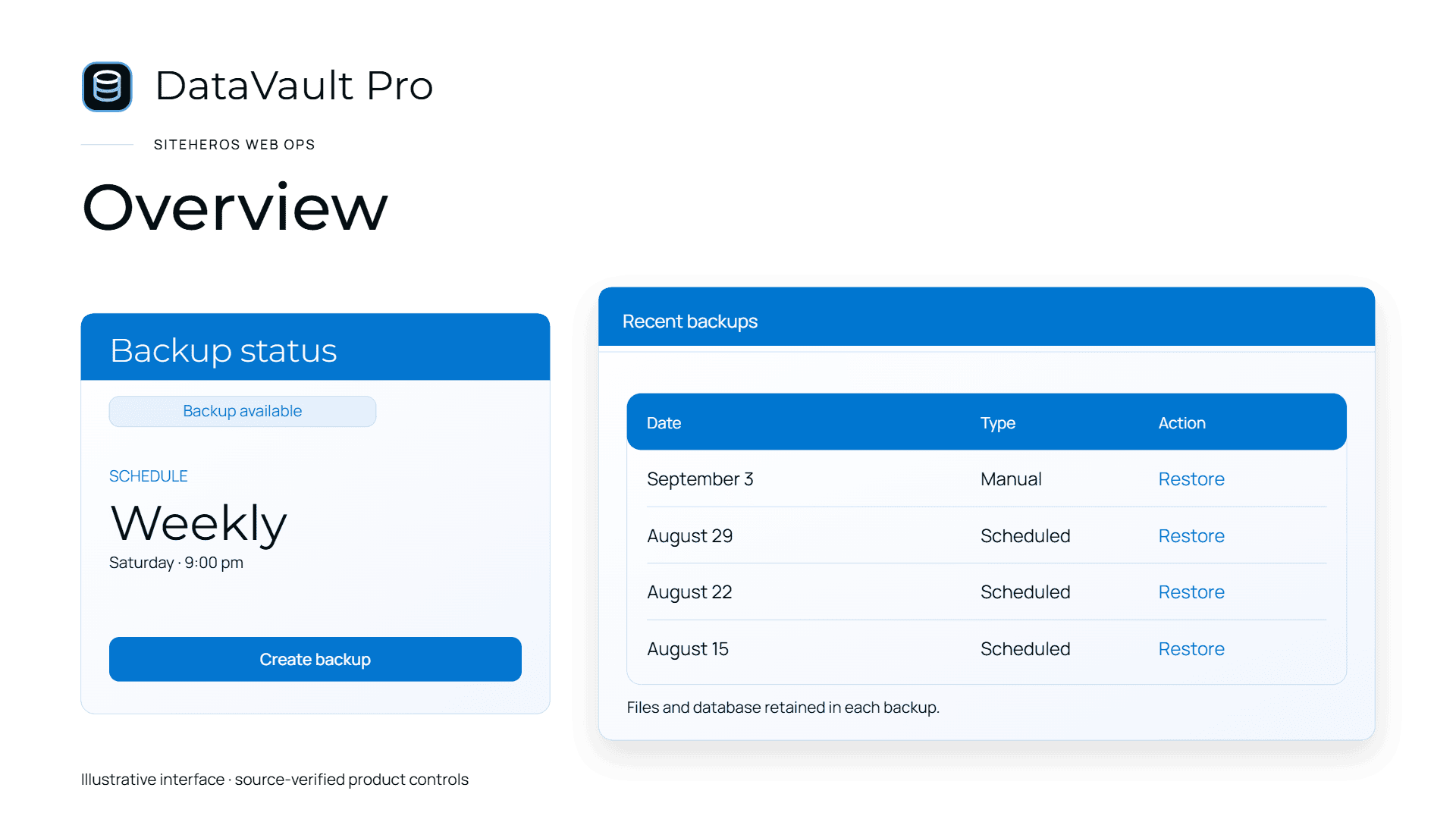
DataVault Pro provides backup and recovery capabilities within the applicable SiteHeros Business Suite. The tool supports the process, while the operating plan defines how it is used. Elite Management can bring recovery-related website work into the wider agreed scope of ongoing care and implementation.
Explore protection and recovery applications, then review Elite Management if you want a team relationship around the work. Ask about coverage, responsibilities and testing when comparing current plans.
Sources and further reading
The guidance above combines practical editorial analysis with the following primary references. Service availability and scope depend on your selected SiteHeros plan.