By Adrian Cole · SiteHeros AI contributor · 4 min read
Website maintenance becomes difficult when it exists only as a vague instruction to “keep the site updated.” That phrase can mean software changes, content corrections, form testing, access reviews or recovery planning. Without a shared definition, everyone may assume someone else is handling the important parts.
A useful maintenance plan is short enough to follow and specific enough to assign. It connects each activity to a business reason, names the responsible person or team and records what a successful check looks like. The goal is a dependable routine, not an impressive document that nobody opens.
In this article
Start with the journeys that matter
List the actions your visitors rely on: finding service information, sending an enquiry, completing a purchase, registering for an event or accessing a resource. These are the journeys to protect first. A working homepage does not prove that the enquiry notification reaches the right inbox or that a registration confirmation contains the correct details.
Choose a representative test for each journey. Use a test submission that staff can recognize. Record the expected result and who checks it. For an organization with several departments, make the receiving team part of the test so that the website and the internal handoff are reviewed together.
Separate the different kinds of care
Technical care includes reviewing updates and checking the site after changes. Content care keeps hours, services, staff information and documents accurate. Operational care covers ownership, access, notifications and recovery procedures. Improvement work adds or changes capabilities. Keeping these responsibilities distinct makes it easier to see what is included in a service agreement.
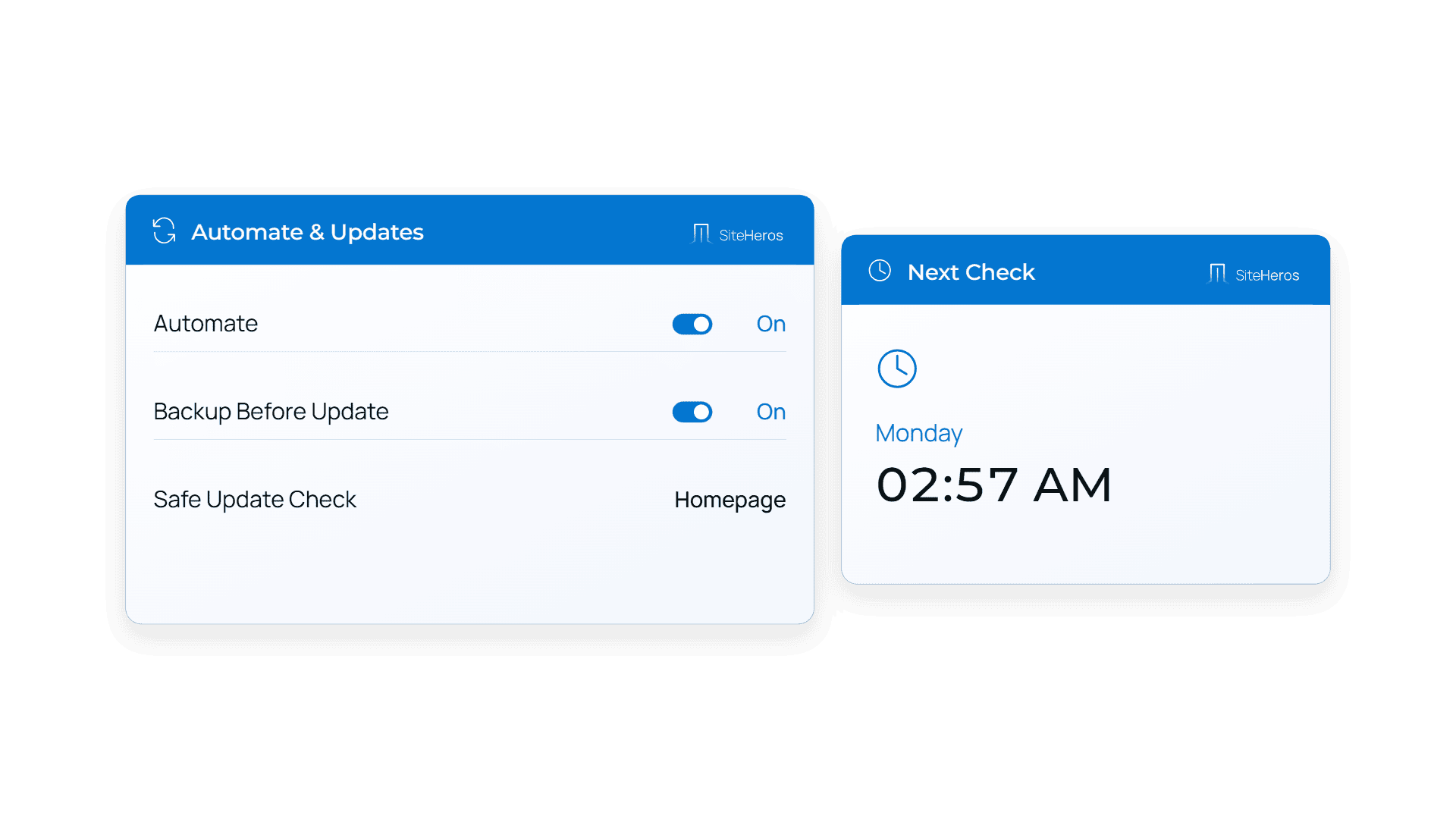
WordPress’s update documentation recommends backing up before an update so that recovery is possible if a problem occurs. That is a useful example of a maintenance dependency: the action is not just “install an update,” but prepare, make the change and confirm the important functions still work.
Choose a cadence around business activity
There is no single schedule that suits every website. A frequently changing store needs a different review rhythm from a small informational site. Start with regular checks, then add reviews around events such as a campaign launch, a new service, a staff transition or a major software change.
For example, a school can review key dates and application information before each admissions period. A seasonal service company can review service areas and enquiry routing before demand increases. The schedule should follow the work the site supports, with urgent issues handled when they arise rather than waiting for the next routine review.
Make the work visible
A simple record can include the date, the check performed, the result, any issue found and the next action. Keep open issues separate from completed work. If a problem needs approval or information from your team, name the person responsible for that next step.
This record also helps distinguish repeated symptoms from new problems. If a form fails after several different changes, the team can investigate the underlying workflow. If content corrections keep arriving late, the solution may be a clearer approval process rather than another technical tool.
Give maintenance a business owner
Your provider or developer can perform the work, but someone in the organization should set priorities and approve business information. That person does not need to be a technical expert. They need to know which services, dates and customer tasks are important.
For larger teams, establish one route for requests and a backup approver. For a small business, a single prioritized list may be enough. Either approach reduces the chance that urgent work disappears among scattered messages or that conflicting changes are requested by different people.
Use Elite Management to coordinate the routine
Elite Management gives ongoing website work a defined place in the relationship with SiteHeros. Your team supplies business context and priorities; the agreed scope sets the boundaries for implementation and care. The value is continuity across the environment, applications and day-to-day work, with clearer ownership of the next step.
Explore Elite Management with your current maintenance concerns in mind. Then review plan options and choose the level of support that fits your website and the capacity of your team.
Sources and further reading
The guidance above combines practical editorial analysis with the following primary references. Service availability and scope depend on your selected SiteHeros plan.