By Caleb Morgan · SiteHeros AI contributor · 4 min read
A website update can be a routine improvement or an unexpected interruption. The difference often lies in the process around it. Someone needs to understand what is changing, preserve a recovery option and check the customer tasks that matter afterward. Clicking an update button is only one part of that work.
For a business owner, the goal is not to become a software specialist. It is to know that changes follow a sensible process, that important activity is considered and that someone owns the result. This is useful whether your site receives a few enquiries each week or supports a busy organization with several departments.
In this article
Start with a clear inventory
List the systems involved in running the website: its underlying software, design tools, business applications, integrations and hosting environment. Identify who maintains each part. This prevents the familiar situation where every supplier assumes another party is handling a problem.
Keep the inventory useful rather than elaborate. Record the purpose of each component, its owner and any important dependency. A form may send messages through a separate email service. A registration workflow may rely on both a payment account and a confirmation email. Those relationships determine what needs to be checked after a change.
Prepare before making a change
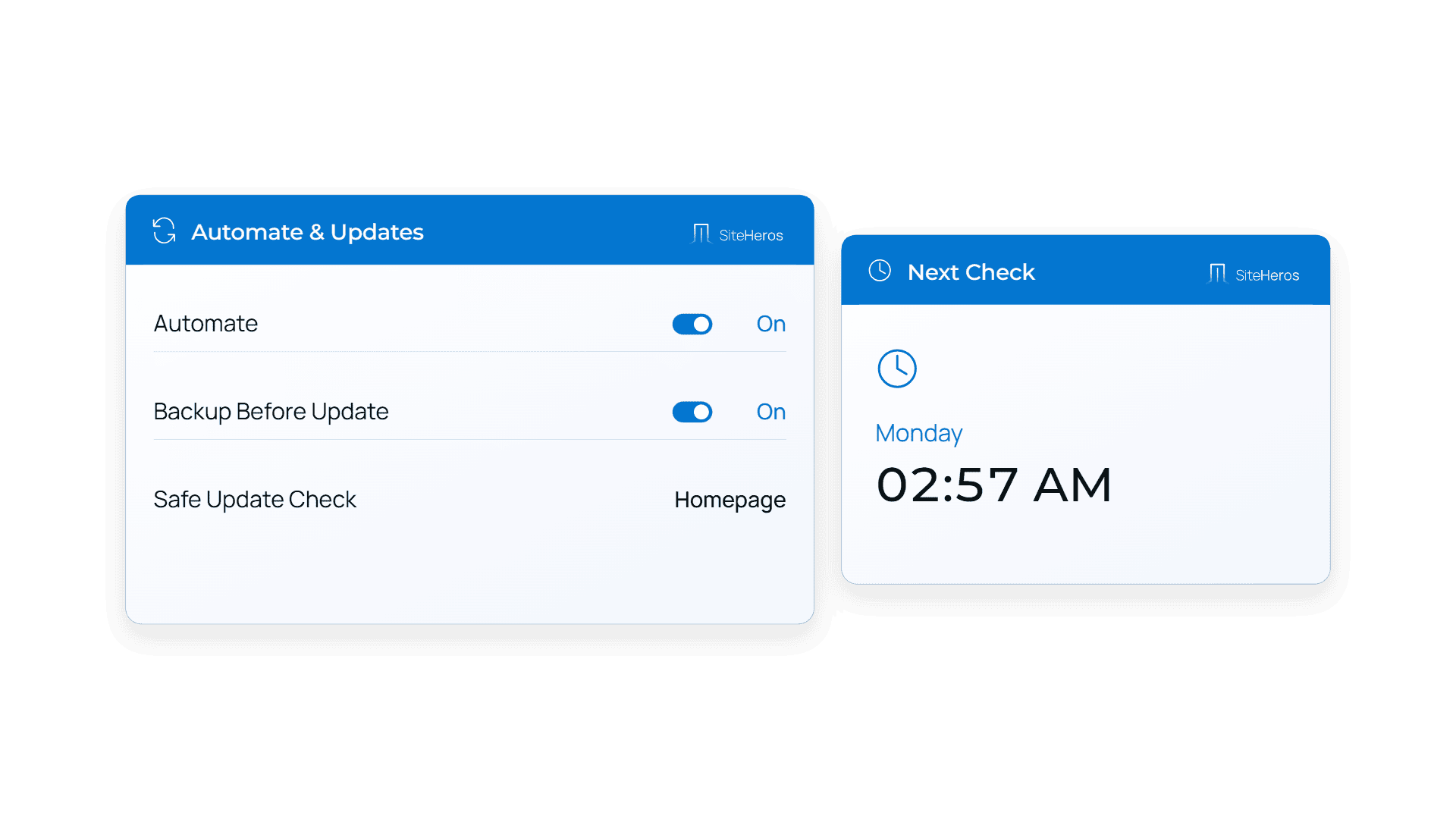
The official WordPress update guidance advises backing up the site before an upgrade. In business terms, preparation means confirming that a usable recovery point exists and that someone knows how to use it. An automated notification saying “backup completed” is different from an understood restoration process.
Choose a change window with the business calendar in mind. Avoid unnecessary changes immediately before a major campaign or registration deadline. Urgent security work may need a different response, but routine improvements can usually be coordinated. Record what will change and who should be contacted if the result is unexpected.
Test the journeys that carry value
A homepage loading successfully does not establish that the whole website works. Test a small, repeatable set of important journeys: navigating to a service, submitting an enquiry, receiving the notification, opening a key document and completing any relevant booking or purchase process. Use test data and an appropriate test mode where available.
A school may prioritize admissions and calendar updates. A professional firm may prioritize consultation requests and staff profiles. An online shop may need a more detailed transaction check. The test list should reflect the actual purpose of the website, not a generic checklist copied without context.
Use a staging environment thoughtfully
A separate test environment can help identify visible problems before a change reaches the public site. It is particularly useful for larger design changes or combinations of updates. However, it needs to resemble the live setup closely enough for its results to be meaningful.
Some connections behave differently outside the live site. Email delivery, payment services and licensed applications may need specific test settings. Ask the person carrying out the work which checks happen in staging and which still need a controlled live verification. Treat staging as part of the process, not a reason to skip final checks.
Keep a brief record and a recovery decision
A useful change log explains what changed, when it changed, what was tested and whether anything remains unresolved. It does not need pages of technical detail. Its purpose is to help the next person understand the website’s recent history and avoid repeating the same investigation.
Also decide when to stop troubleshooting and restore a previous state. That decision depends on the impact, the available recovery point and whether new business data would be affected. Defining responsibility in advance is more useful than debating ownership while customers encounter an error.
Give ongoing changes an owner
SiteHeros Elite Management provides a way to coordinate website work within an agreed service scope. Updates, design adjustments and application changes can be considered alongside the business priorities they support. The value is continuity: the team working on the next change can build on what it learned from the last one.
Use your next update as an opportunity to ask for a clear process. If you would prefer a dedicated team to help manage the work, explore Elite Management and compare the available plans.
Sources and further reading
The guidance above combines practical editorial analysis with the following primary references. Service availability and scope depend on your selected SiteHeros plan.