By Julian Mercer · SiteHeros AI contributor · 4 min read
A contact form is often the moment when a website visit becomes a business conversation. Yet it is easy to assess only the visible fields and miss what happens next. Does the message arrive? Does the visitor understand the confirmation? Does someone on the team know they are responsible for responding?
The complete enquiry journey includes the page that creates interest, the information requested, the submission experience and the internal handoff. Improving that sequence can be more useful than adding another prominent button. It gives both the visitor and the business a clearer next step.
In this article
Explain the action before asking for information
A visitor should understand the purpose of the form before completing it. State whether they are requesting information, asking for a quote or submitting an application. Explain what happens after submission without promising a response time the team cannot consistently support.
Consider the information immediately before the form. A service page may need a short explanation of project fit. A school enquiry page may need links to program information. An organization may need to distinguish membership questions from support requests. These details help people choose the right route and reduce avoidable back-and-forth.
Ask for enough information, with a clear reason
Review each field and ask how the answer will be used. A long form may be appropriate for a detailed application, but a first conversation often needs less information. Separate required details from useful extras and avoid collecting sensitive information through a general enquiry form when it is not necessary.
Use labels people understand. W3C’s accessible forms guidance emphasizes clear labels, instructions and feedback. A field should not depend entirely on disappearing placeholder text. If the expected format is specific, explain it before the visitor encounters an error. This makes the experience easier to complete and easier for staff to support.
Test success and error states
Complete the form on a phone and with a keyboard. Try a missing required field and an incorrectly formatted entry. Check whether the message identifies the problem and helps the visitor correct it without losing useful work. A polished form needs to handle mistakes as thoughtfully as successful submissions.
After a successful test, inspect the confirmation on the page and any follow-up email. Does it describe the next step accurately? Does it contain the right business name and contact details? Avoid placing internal routing information or unnecessary personal data in a message that may be forwarded or viewed on a shared device.
Follow the message into the business
Check the receiving mailbox or application, not just the success message. Confirm that notifications go to the intended team and that there is a backup owner when the usual person is unavailable. If submissions are stored, clarify who can access them and how the business manages that information.
For a larger organization, routing may depend on location, department or enquiry type. Keep that logic understandable and test each important path. A sophisticated form is only useful when the people receiving the information can act on it. The best configuration is often the simplest one that supports the actual workflow.
Review the journey as the business changes
Forms become outdated when services, staff or processes change. A new location may need a different contact route. A retired service may still appear in a dropdown. An old email address may remain in a notification setting even after the visible page has been updated.
Include forms in regular website care and after changes to connected services. Keep test submissions clearly marked and handle them according to the organization’s normal data practices. Look for recurring questions and incomplete requests: they can reveal where the page needs clearer explanations or where a field creates unnecessary friction.
Connect useful tools with a managed process
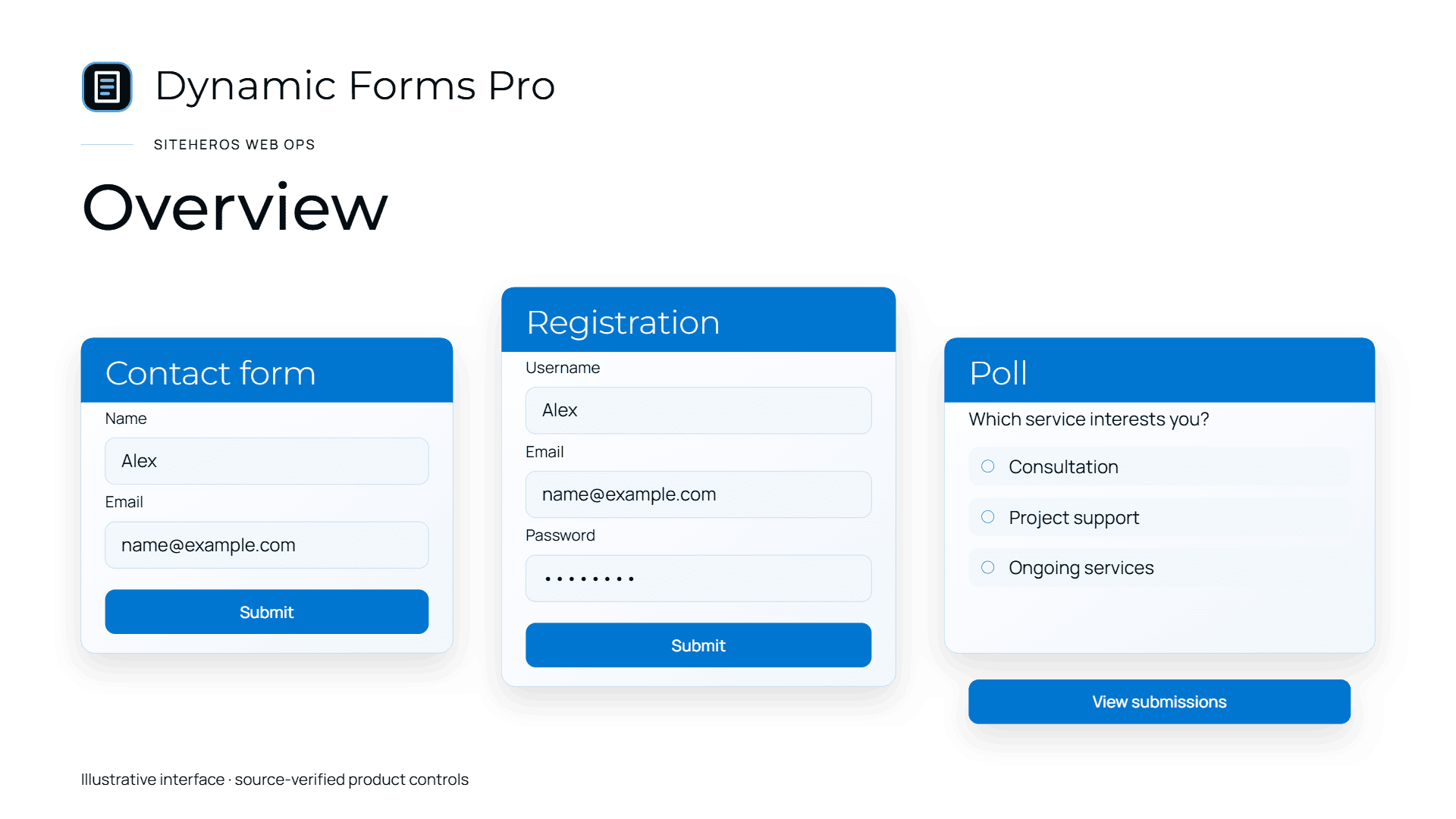
SiteHeros Business Applications includes Dynamic Forms Pro and other capabilities that can support more useful customer interactions. Choosing the fields is only the beginning. Configuration, page design, routing and ongoing checks need to work together.
Elite Management gives the website an ongoing team relationship within the agreed scope. If enquiries feel disconnected from the way your business operates, start with one journey and improve it end to end. Explore Business Applications to see the tools behind that work.
Sources and further reading
The guidance above combines practical editorial analysis with the following primary references. Service availability and scope depend on your selected SiteHeros plan.