By Noah Bennett · SiteHeros AI contributor · 4 min read
A website can be technically available while still feeling difficult to use. A visitor waits for the main content, taps a button that responds slowly or tries to read while the layout moves. These moments create uncertainty at exactly the point when the business wants to make the next step easy.
Performance work should begin with the customer experience and the business task. A single score is useful as a signal, but it does not explain every problem or determine which improvement matters most. A practical review combines measurements, real journeys and a clear order of work.
In this article
Look beyond the first loading impression
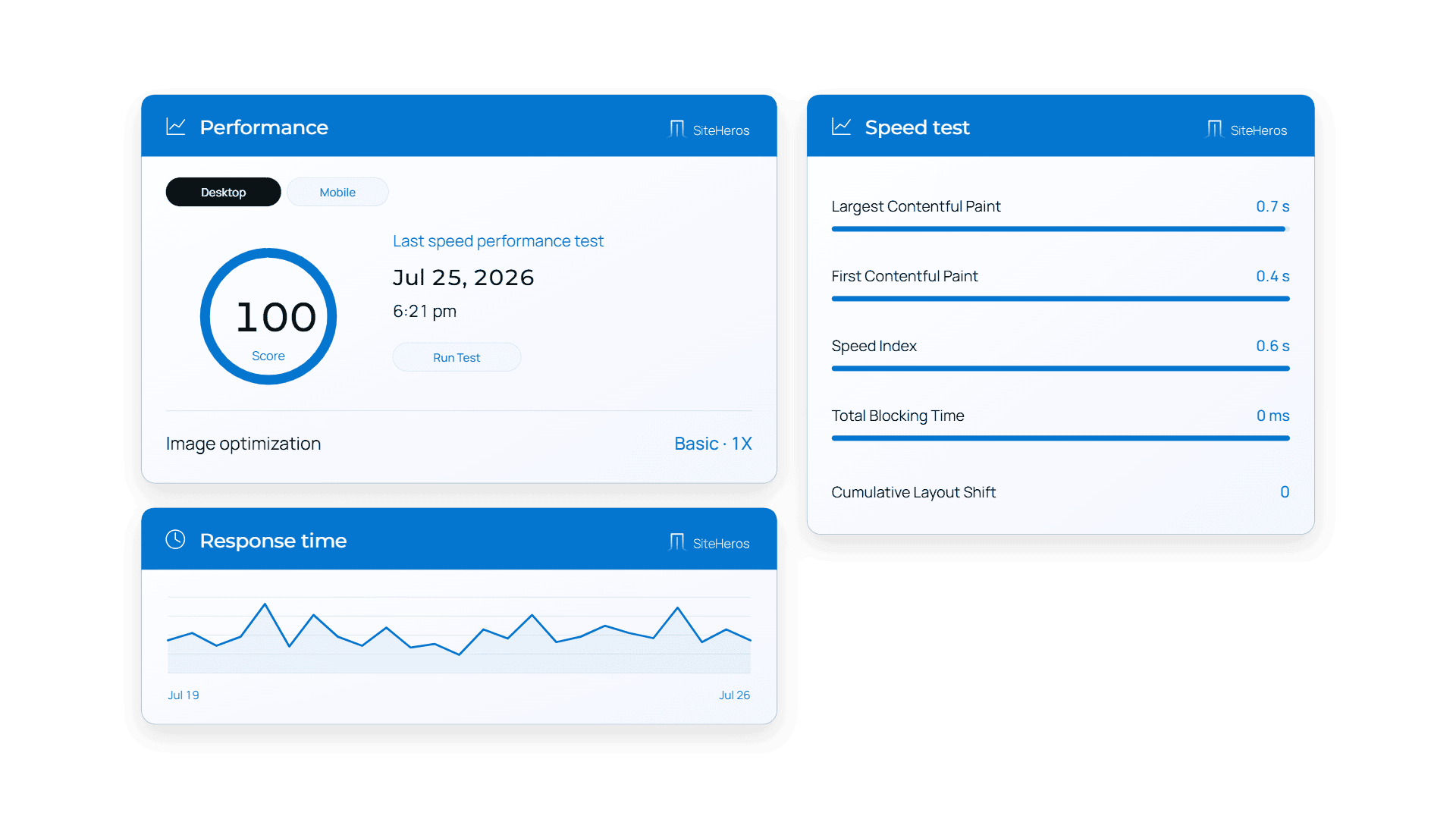
Google’s Web Vitals framework considers loading, responsiveness and visual stability. These describe different parts of the experience: when important content appears, how quickly interactions respond and whether elements move unexpectedly. A page can perform well in one area and still need attention in another.
For an owner, the useful question is what the visitor is trying to do during that experience. Is the main service explanation visible? Can someone open navigation without delay? Does a booking button stay in place? Connecting the measurement to the task makes a technical report easier to turn into a decision.
Test representative pages and devices
Do not judge the entire site from the homepage alone. Include an important service page, a content-heavy article and the form or transaction path that supports the business. Test at a narrow screen width and consider the experience of people using ordinary mobile connections.
A campaign page may contain more images and external tools than the rest of the site. A school’s resource page may depend on documents and embedded media. Each page type can introduce different demands. A representative sample helps the team find patterns instead of optimizing one page while missing the actual customer journey.
Understand laboratory and visitor data
A controlled test is useful for identifying possible causes and comparing changes. Data from real visits can show what people experience across devices and conditions. Google’s guidance distinguishes these perspectives; neither should be treated as a complete substitute for the other.
New or low-traffic pages may not have enough real-visitor data for a useful report. In that case, use controlled checks, inspect important journeys and build a baseline over time. Be cautious about drawing a sweeping conclusion from one test run, especially when third-party services or network conditions vary.
Prioritize improvements by impact
Common areas to investigate include oversized images, unnecessary scripts, heavy embedded content and the way page resources are delivered. The appropriate fix depends on the website. Removing a feature simply to improve a score can be counterproductive if that feature serves an important customer need.
Ask for a short explanation of the proposed change, the expected benefit and the checks needed afterward. For example, improving image delivery should preserve useful visual detail and text alternatives. Adjusting how scripts load should not break forms, navigation or transaction steps. Performance and functionality need to be reviewed together.
Keep performance in the maintenance routine
A fast launch does not establish a permanent result. New photography, additional applications, tracking tools and content changes can alter how a page behaves. Include performance checks after meaningful changes and review the most important journeys on a regular schedule.
Set a small number of priorities rather than chasing every warning at once. A team can address a major delay, confirm the improvement and then move to the next issue. Keep the record understandable: what changed, which pages were checked and what remains to be investigated. Search outcomes and sales results cannot be guaranteed by a performance score.
Connect the tools with ongoing attention
SiteHeros offers applications that support image optimization and, in applicable plans, more advanced performance work. The tools provide capabilities; the ongoing value comes from choosing the right configuration, checking the result and maintaining it as the site changes.
With Elite Management, performance can be considered alongside design, content and business priorities within the agreed scope. Explore the applications, then compare plans to find the right combination for your website.
Sources and further reading
The guidance above combines practical editorial analysis with the following primary references. Service availability and scope depend on your selected SiteHeros plan.